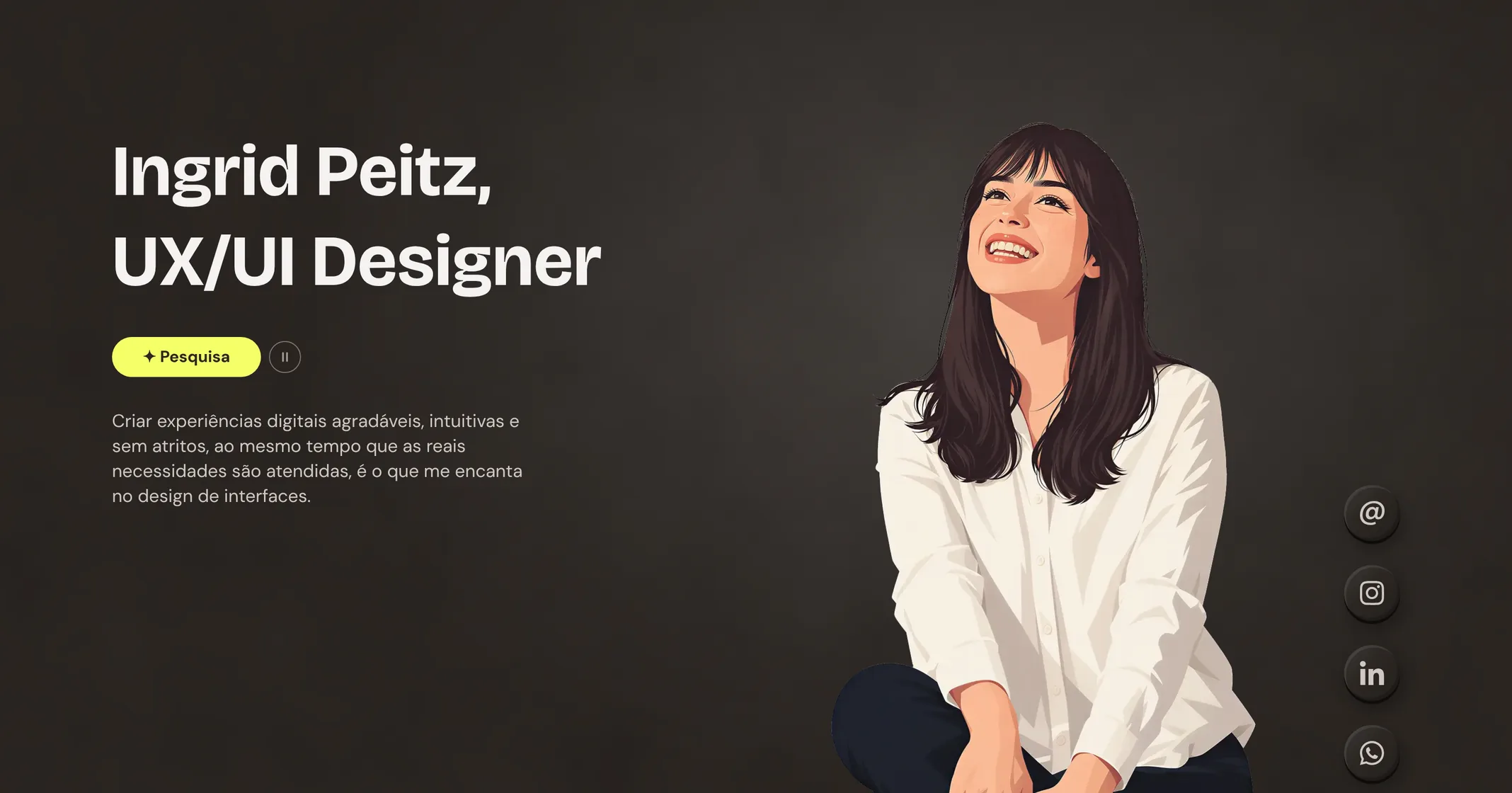
Status: Live

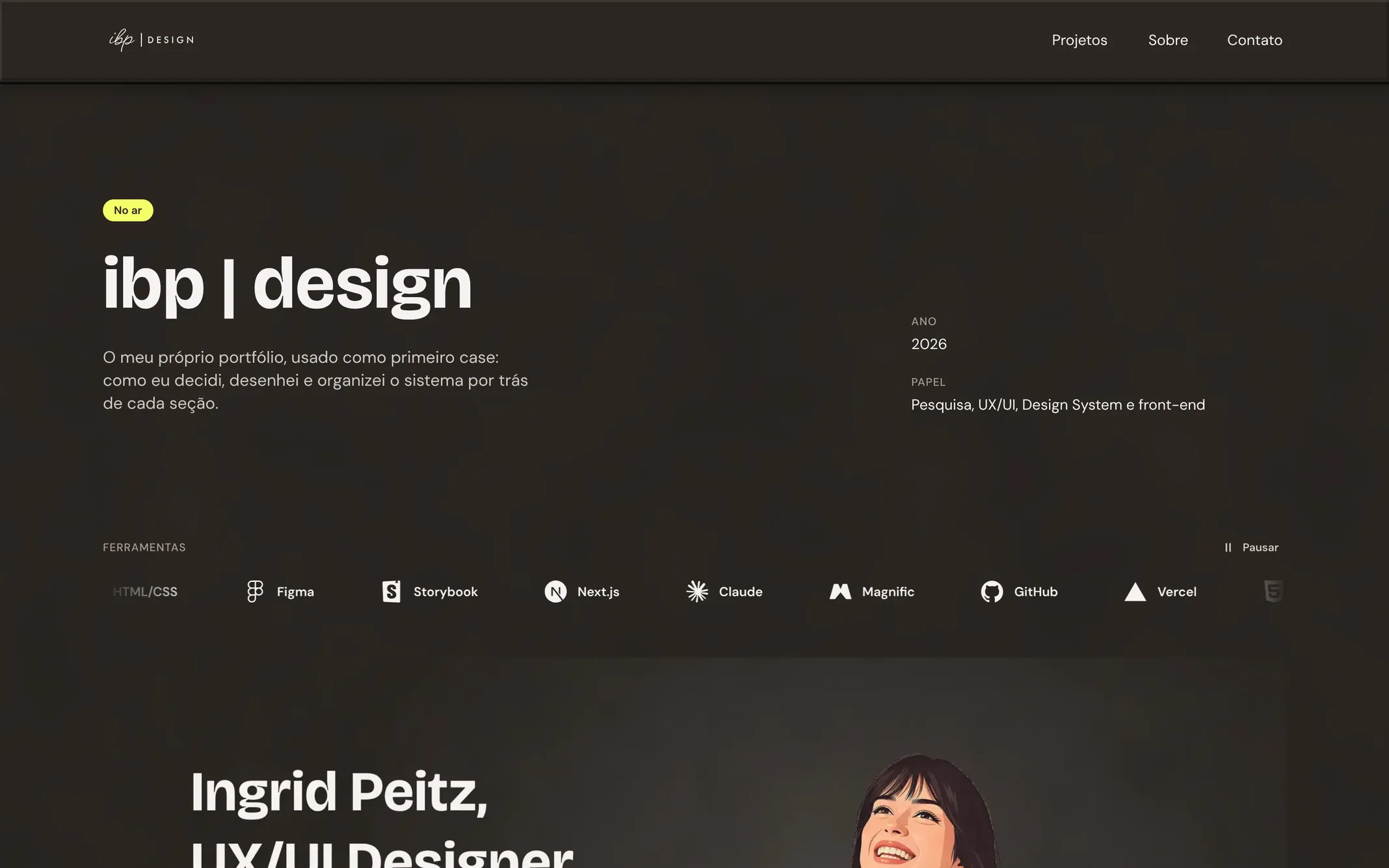
ibp | design

My own portfolio is my first case study: How I decided, organized, designed and built this project in 2 languages, with accessibility in mind, step by step.

Year
2026
Role
Research, Accessibility, Design System, UI design, UX design, Vibe Coding
Tools
HTML/CSS, Figma, Storybook, Next.js, Claude, Magnific, GitHub, and Vercel
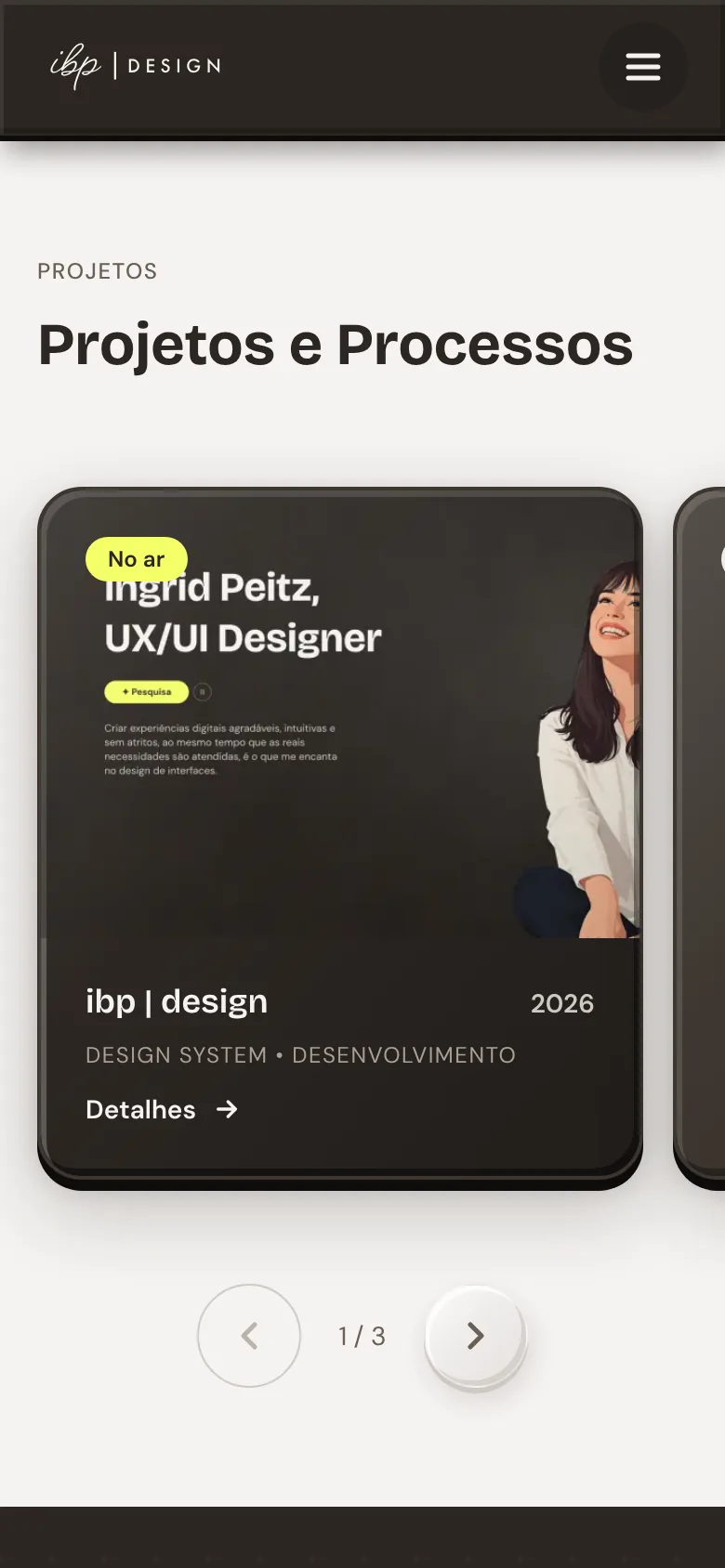
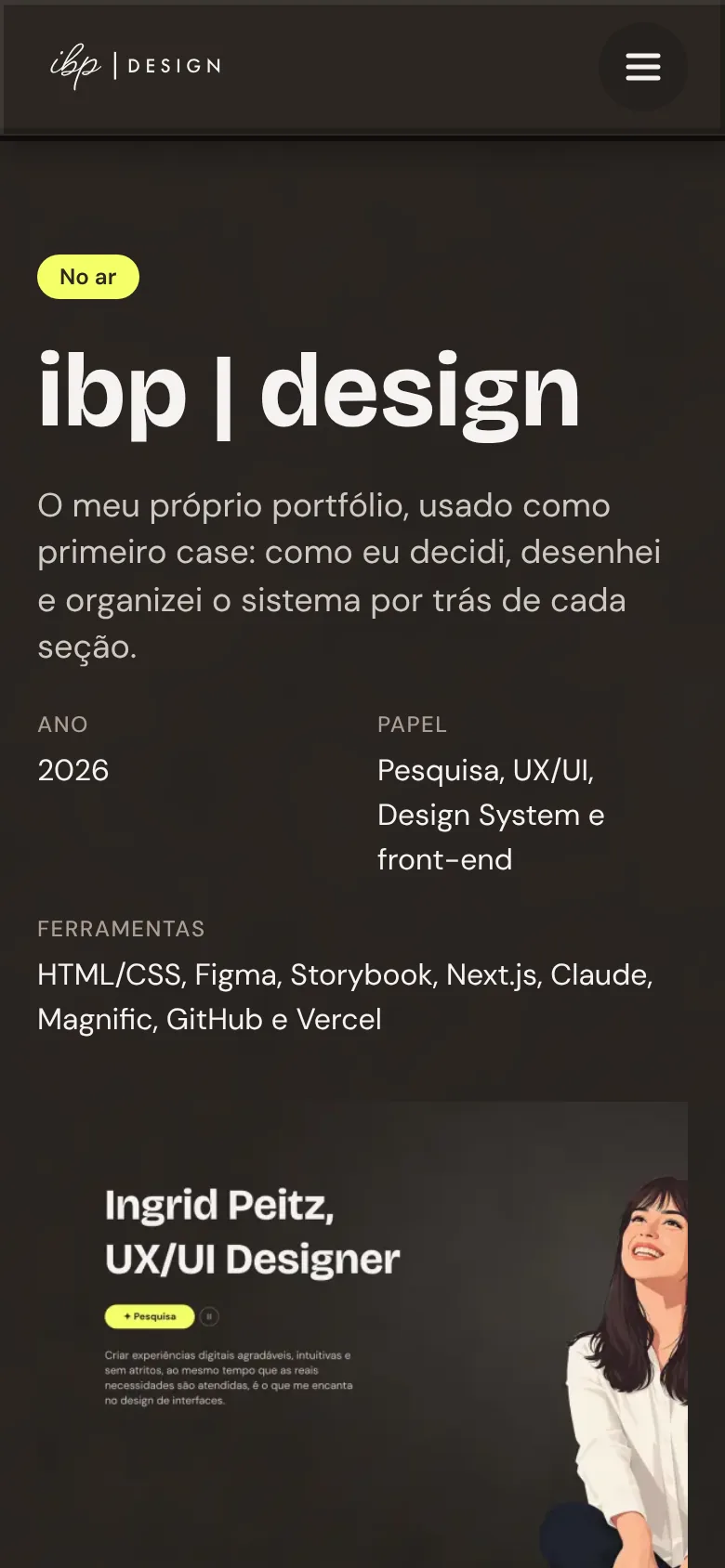
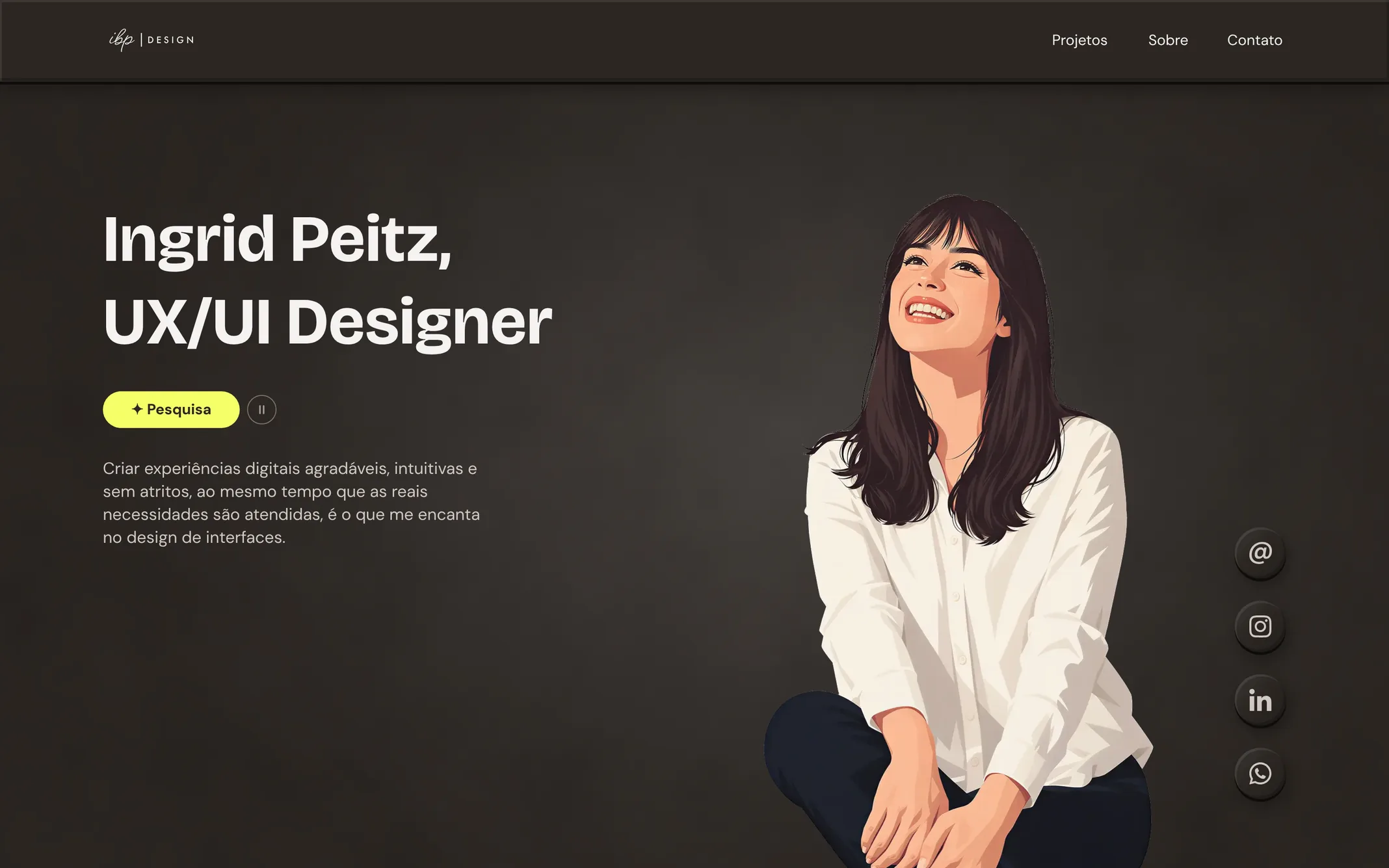
Home page of the ibp | design site on desktop.
PortfolioDesign SystemAIUX/UI DesignDesign ProcessAccessibilityBilingual PT/ENWCAG

Context

I needed a portfolio that showed how I work, not just the result.

Instead of waiting for a client project to tell this story, I used the site itself as my first case study, to show the way I work. The portfolio had to work for job applications and freelance work at the same time. I'm also interested in sharing working projects and articles.

The constraints were those of a real project: a lean, MVP-style scope (a Home page with four sections and this page), in two languages, responsive, designed with accessibility in mind, and a Design System that didn't exist yet.
Frequently asked questions

Next, I plan to share some working projects. Starting from a well-structured base (bilingual, accessible, responsive and reusable) will make every future project faster. With each new part added to the site, I'll have fewer basic design decisions to make, and more time for the main goal of each project.

They are. It actually took me longer than I expected before I started planning and structuring the process. On the other hand, these decisions give me a lot of freedom, even for bolder projects, since I'm already starting from what matters to me for the next case studies. I want my projects to work regardless of device, language, age or disability. There will certainly be setbacks and limitations, but this is a new, living system that can adapt and evolve.

Process

Every part of the site follows the same path

I created a work plan built on 5 pillars: requirements and goals; analysis of other portfolio sites; visual identity and primitive design choices such as colors and typography (not covered in this case study); minimum structure (primitive tokens, hosting, domain registration, Storybook, Tailwind…); initial site structure.

Then each section of the site went through a 5-step cycle. Whatever gets discarded stays in the second step. The site's code only gets the final version, and different sections can be at different steps at the same time.

  1. Inspiration / Reference researchLooking for references for component style, composition, motion…
  2. Draft (promptframes)Several directions in HTML and CSS, compared side by side in the browser, with real texture, blur and animation. The chosen direction goes through a checklist: WCAG, missing tokens, design decisions for the section, components that may come up.
  3. FigmaFigma was defined as the project's source of truth. The chosen direction is checked and rebuilt with semantic tokens. The rule: a new token is only created when a section needs it. Up to this point the site existed only on desktop: once that version is done, I define the mobile version.
  4. StorybookTokens, components and their variants go into Storybook, which mirrors the work done in Figma.
  5. SiteOnly after it's validated in Storybook is it used on the page.
53Directions tested across the 4 Home sections
4Checks before each section leaves the draft
2Pages finalized in Figma, desktop and mobile
31Components created

Frequently asked questions

First I focused on the project's pillars, which I organized in Notion. The visual identity project was documented in Notion, Figma and Adobe Illustrator. Then I set up a project in Claude and created a file called work plan, where all the rules were defined. The end of each step triggered the next one, so no step was skipped. I started a new session for each task, to keep everything organized.

I had 3 big challenges. The first was structuring the work plan: it took some trial and error to get there. The second was the design decisions themselves, because designing for my own project is much harder, and reaching a result that reflected a bit of me was quite difficult. There will surely be adjustments, but I identify with the result, and given all the work involved, the time-to-result ratio was good. Lastly, the accessibility analysis, which is more complex than I imagined and shapes design and animation choices.

I used AI mainly for ideation and as a tool to carry out the decisions I made. Before starting any task, I researched and gathered references, so I always came to the AI with my own vision and decision. That way the AI could just execute and speed up the process, or iterate on what I brought and make suggestions.

Decisions

Choices with the biggest impact

Decision

Create a work plan

Essential to keep the project moving, because AI can't hold a direction on its own, and constantly checking its choices gets very tiring. The plan gave me a structure that made reviewing its work easier.

Decision

Make every decision myself

Even though AI speeds things up a lot, I chose to take a little longer and make every design decision myself, including how the tokens are named. That gave me more control over what was being created and set a pattern the AI learned to recognize and follow.

Decision

Test outside Figma first

Comparing interactions, textures and animations in the browser makes a big difference and gives much more freedom. That way I'm not held back by Figma's limitations, and I can check how complex my decisions are to build before they become official.

Decision

A review checklist before Figma

This checklist gave me everything I needed to move into Figma: fixing what's bad for accessibility up front, knowing which tokens I'd create, and which components would come up or not.

Decision

Research, Research, Research

AI speeds up every process, and it's easy to get lost in the decisions, especially on more tiring days. Research kept me ready to navigate the process, resisting the urge to let AI decide what isn't its call.

Frequently asked questions

Definitely. It was my first project with AI from start to finish, so guardrails were added every time it slipped. Also, early on some paths were too long and were revisited and simplified.

In the project folder, I created files to group types of decisions: some were only about running the project, others applied to a single section. This worked better because my initial file kept getting longer, and there's no reason for the AI to reread what it doesn't need every time. It also makes it easier for me to read and search the project records.

Solution

Home and Project Page, a small, living Design System

Each section answers one question: who I am, what I do, how to reach me. The case study briefly presents my process. Components and semantic tokens came from these sections, not from a list made in advance.

The first draft is made for desktop. Once the decisions are final and I move to Figma, I work on the mobile version and rethink the composition and components for widths down to 360px.

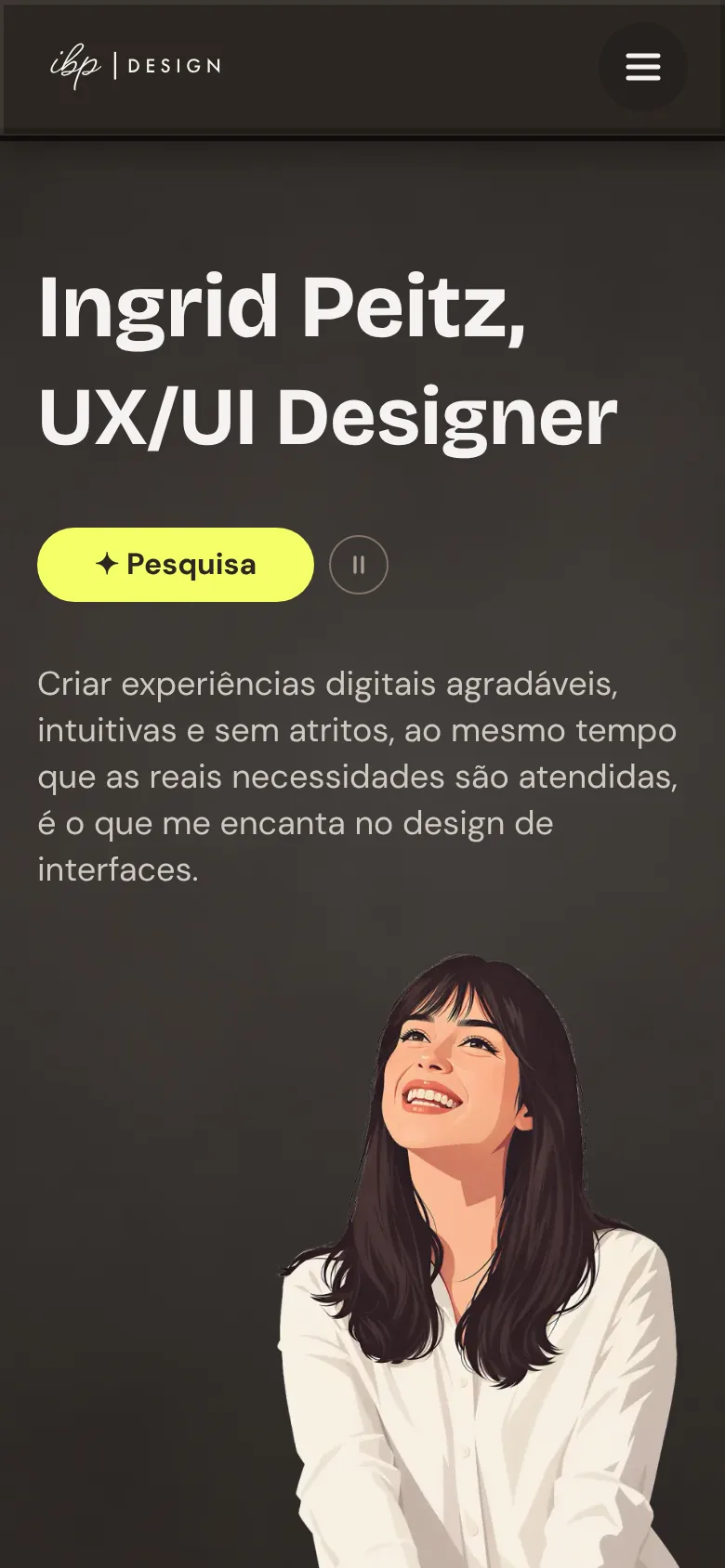
Below you can see that some components stayed the same, others needed small adaptations, and a few changed more, to keep the experience as close to desktop as possible.

Frequently asked questions

No. I had an overall direction, but like a design thinking process, creation is iterative: circular, but not rigid. For example, I'd design a section and then, working on the next one, realize it didn't quite fit the idea I had for the current one. That happened naturally, and those were the moments when having a process that could run in parallel for each part of the site helped the most.

Normally I'd have a folder of sketch sheets or a Figma page with low-fidelity wireframes. With this promptframes process, something I really enjoyed was creating an HTML gallery file for each section, showing every direction and each change it went through, with descriptions. It was great because it lets me see how many tests I ran and look up any of them whenever I need to.

Outcome

A live site, a working Design System and a repeatable process

The work cycle made it possible to work in parallel: the Hero was already in Figma while the About section was still a draft. And documenting each decision in writing avoided rework and made it easier when a choice needed to be revisited.

Follow the current progress of this case study:

5 of 6items done

Already done

  • All sections finalized in Figma (done)
  • Mobile version (done)
  • Primitive and semantic tokens confirmed (done)
  • Proper contrast across all areas (done)
  • Storybook live and up to date (done)

Up next

  • English version (to do)

Any questions? Got a tip?

Get in touch below :)

Frequently asked questions

Definitely. One of the advantages of not skipping steps, creating a plan and work rules, and documenting all the work is ending up with a process I can repeat in other projects, which will save me a lot of time.

It took me about a month and a half, including the strategy and the visual identity project. I'd say about 2 weeks went into the visual identity, and the rest into the project. The longest stages were reference research and, second, the research before carrying out the steps in the first cycle, so that I could direct the AI instead of letting it direct my work and results.

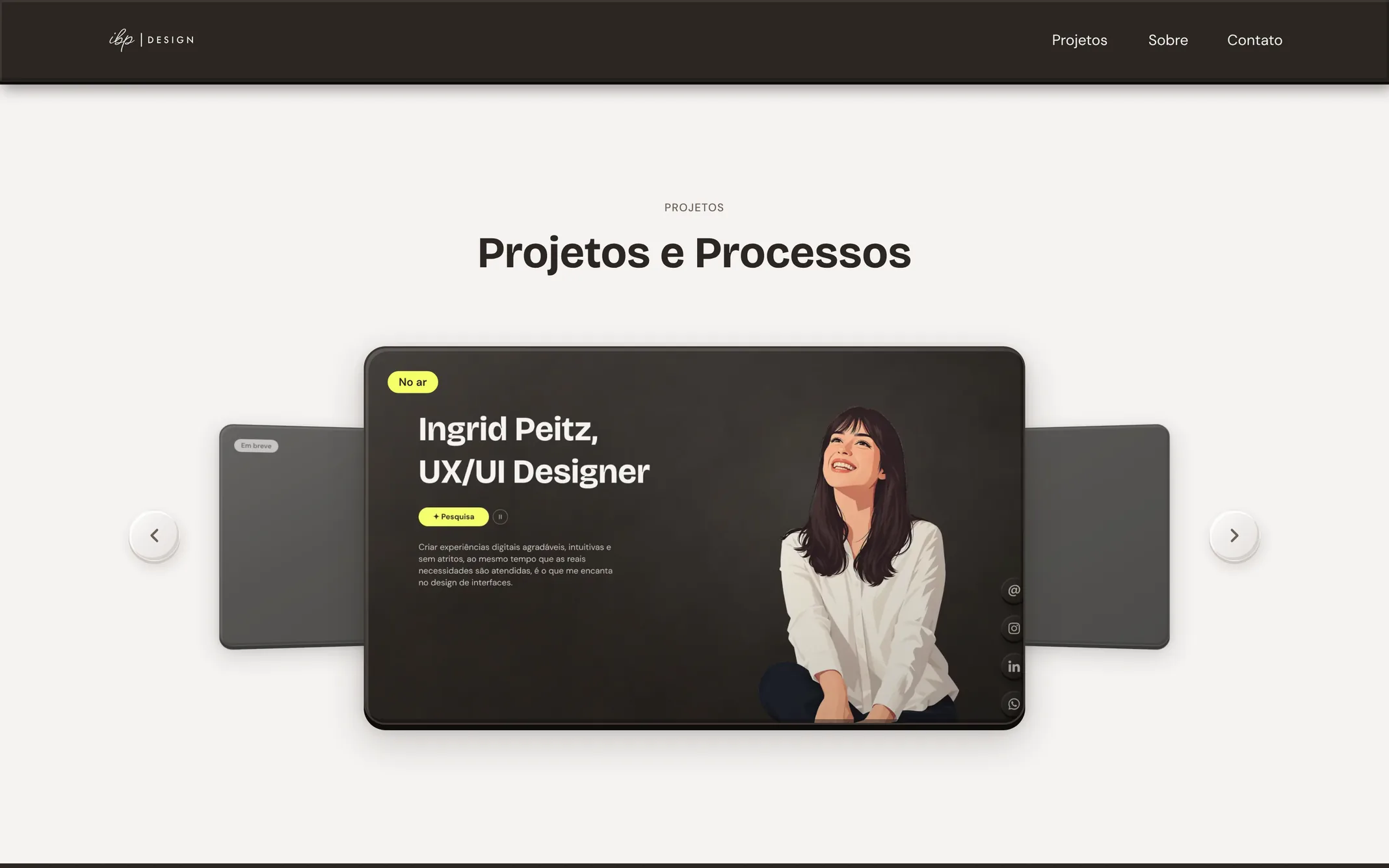
Projects

Other projects

  • Coming soon
  • Coming soon

Contact

Send me a message